Your Week at a Glance
Switch between calendar and list views to see what's coming up. Spot your intense days instantly with clear sport icons and zone colors.
Switch between calendar and list views to see what's coming up. Spot your intense days instantly with clear sport icons and zone colors.
Adjust targets, add intervals, or modify sets effortlessly with our interactive visual editor. Prefer code? The Markdown editor is still there when you need it.
Schedule changed? Browse your library by sport or name and grab a session to fill the gap.
Train smart. Check your form score, sleep quality, and HRV trends before you tie your laces.
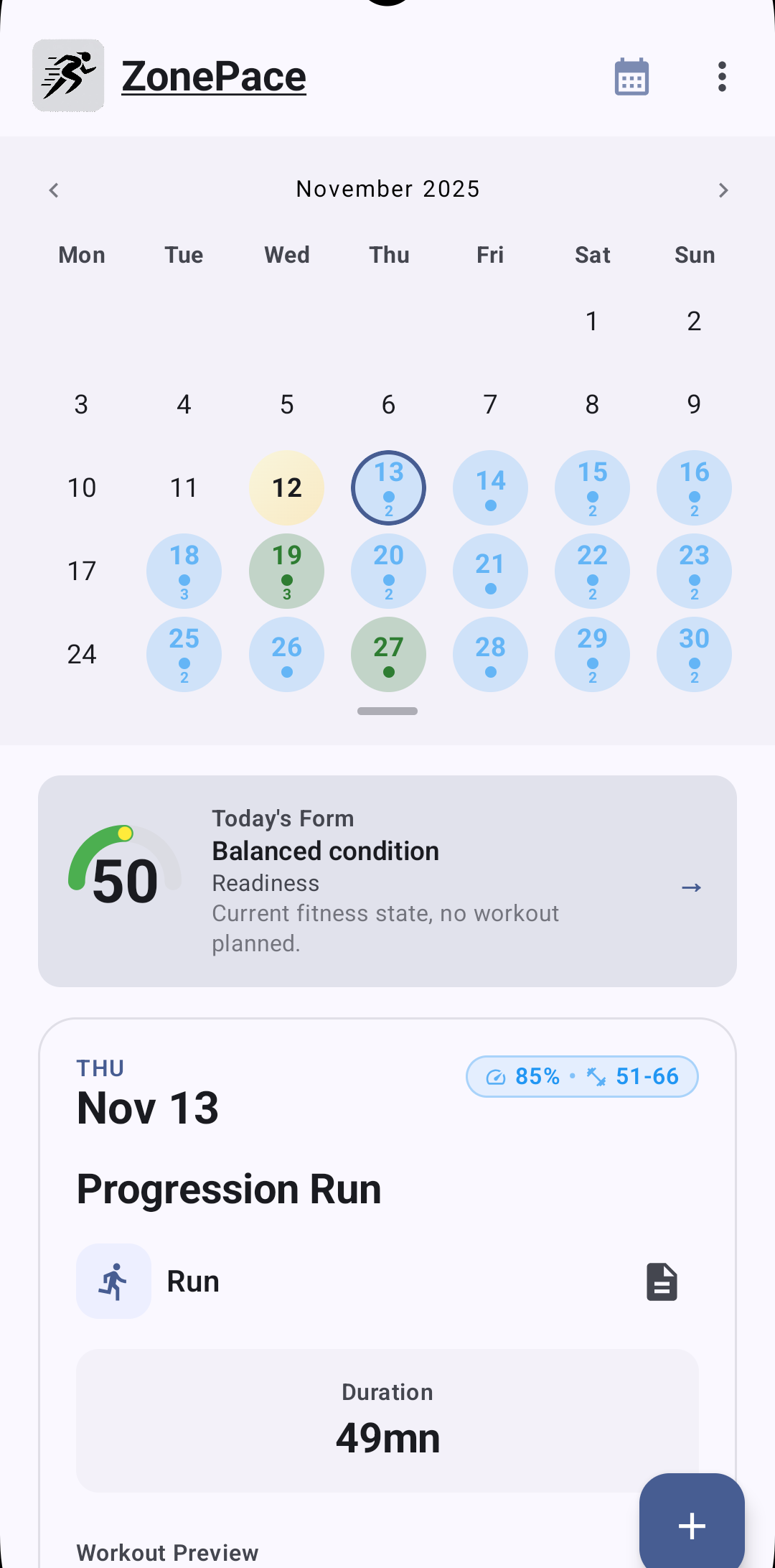
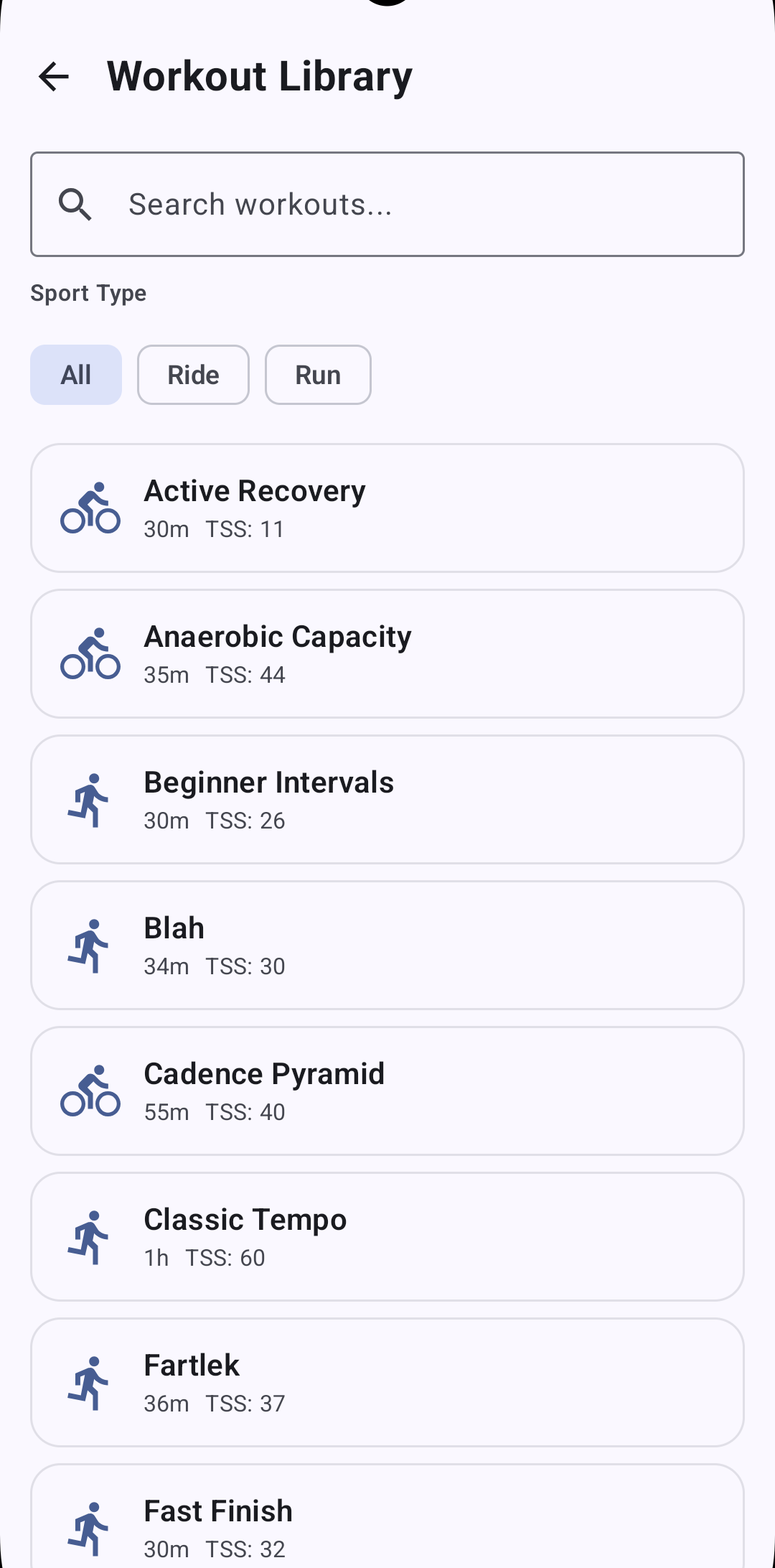
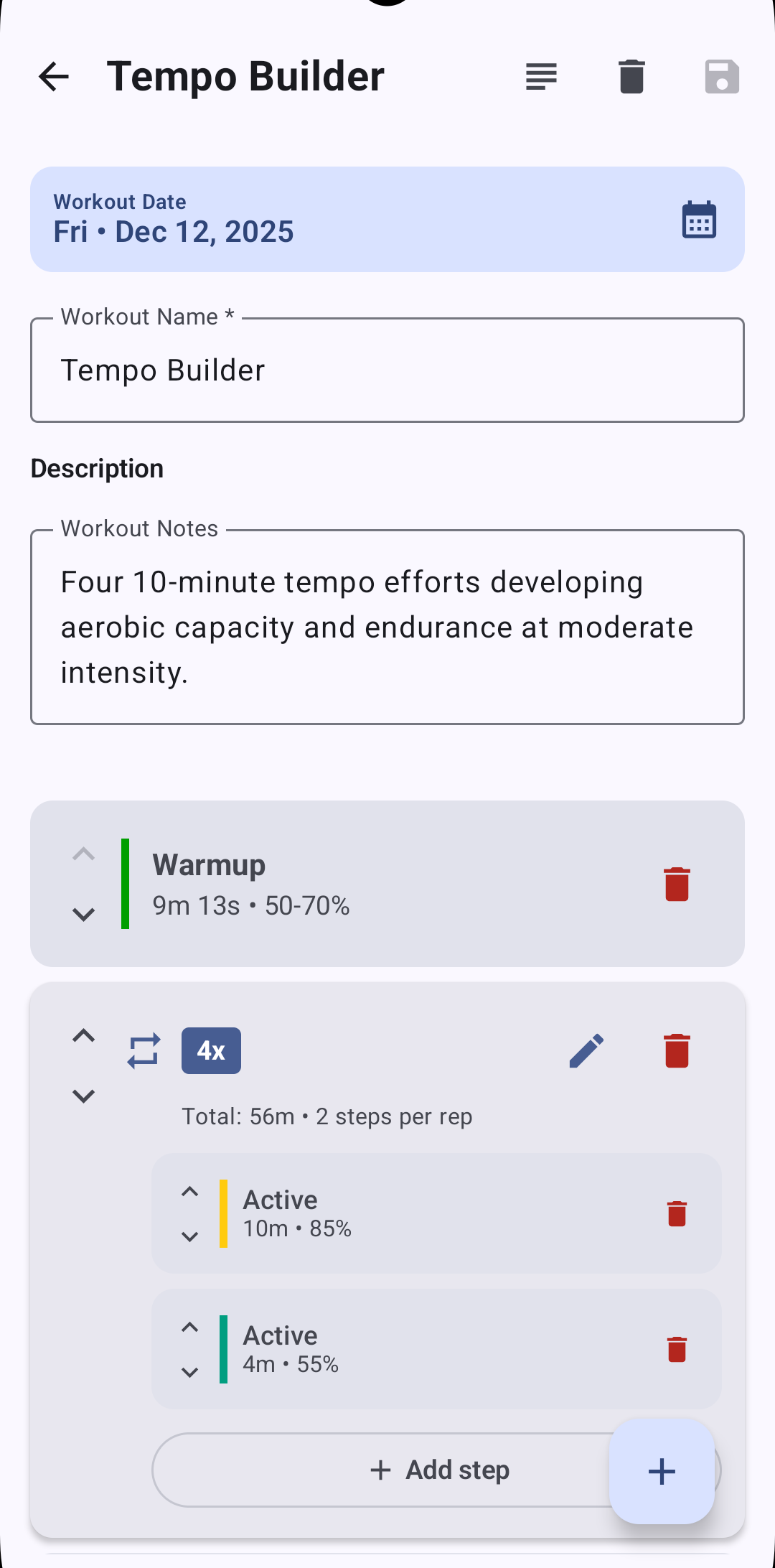
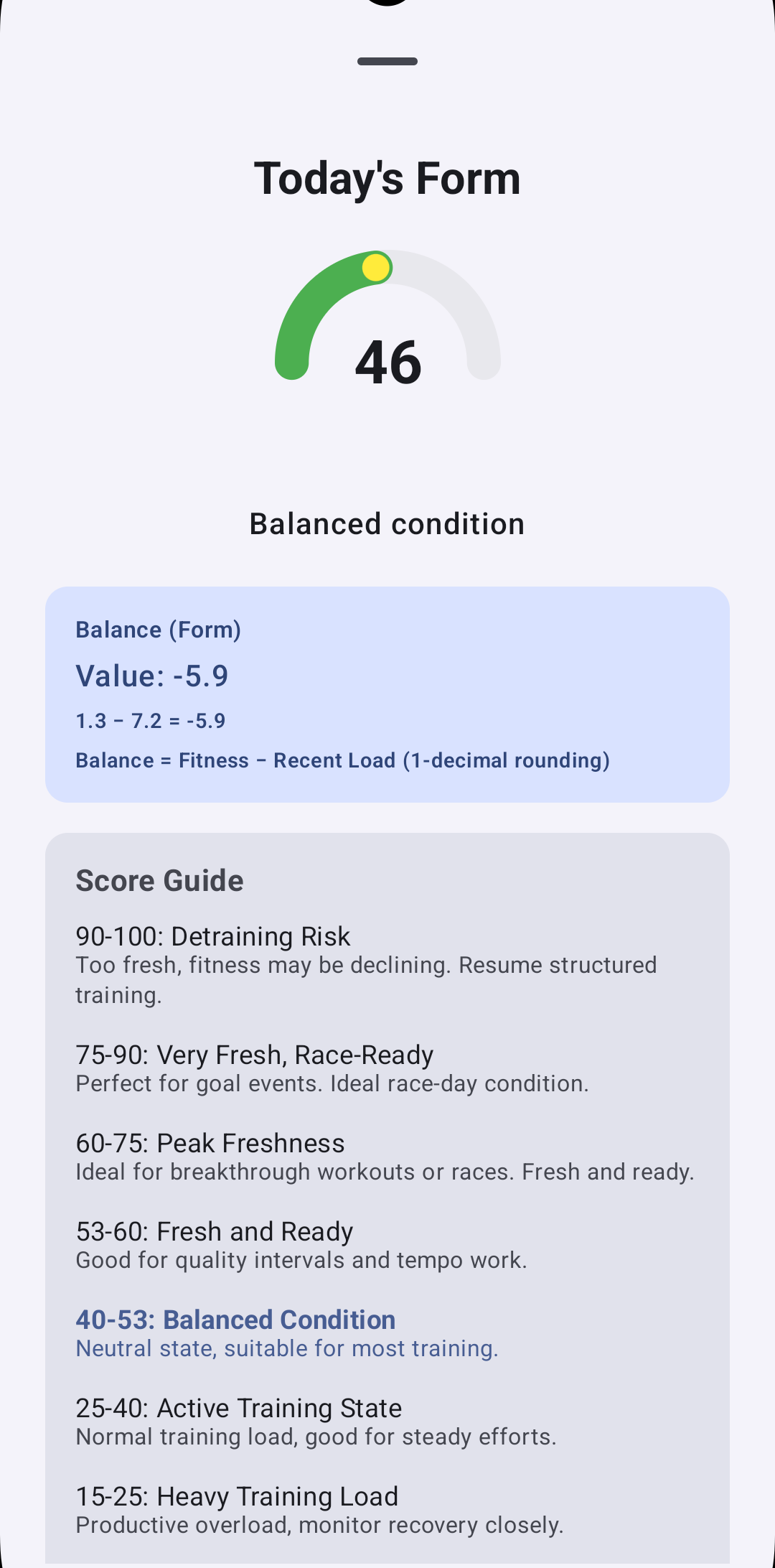
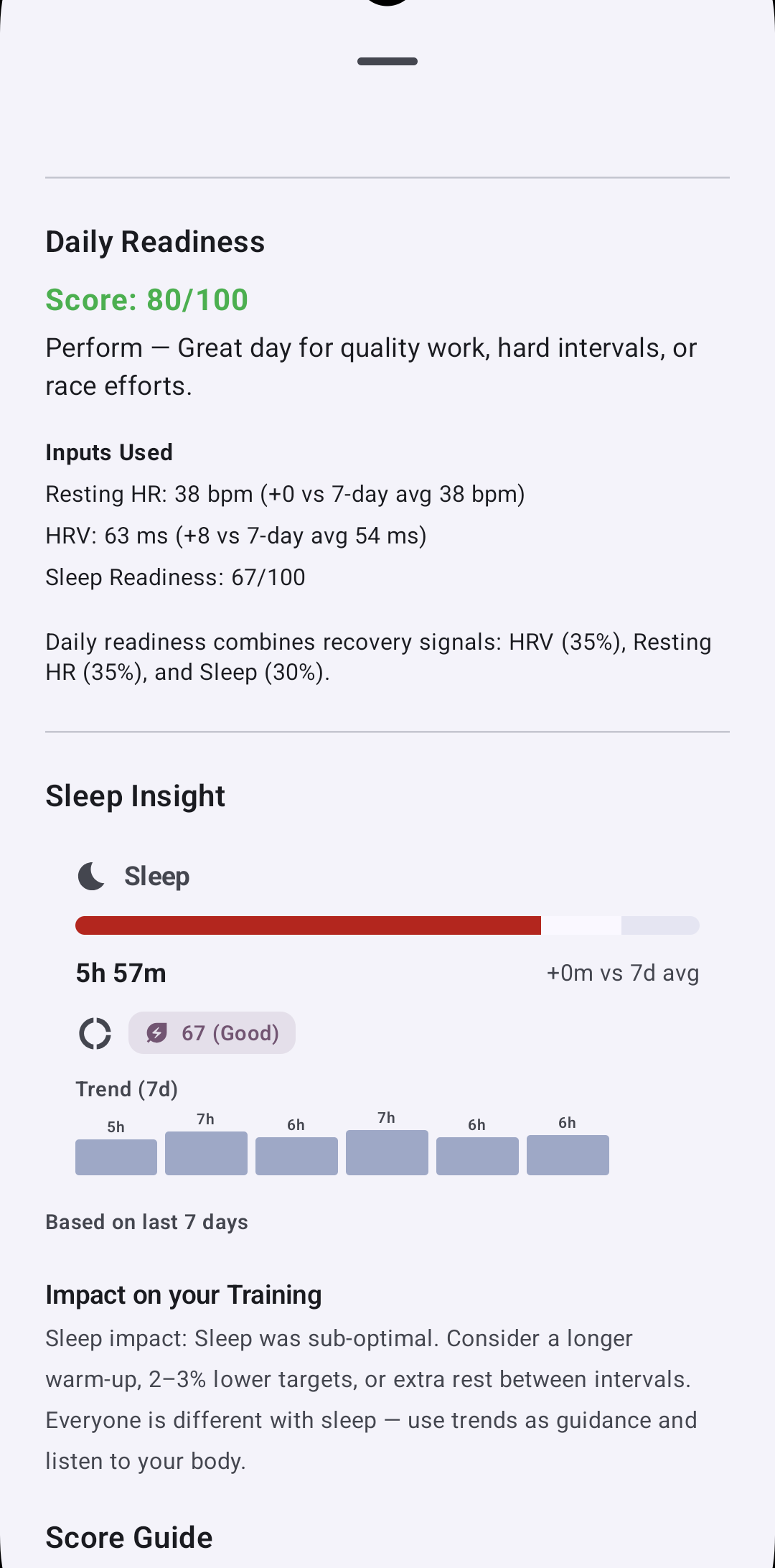
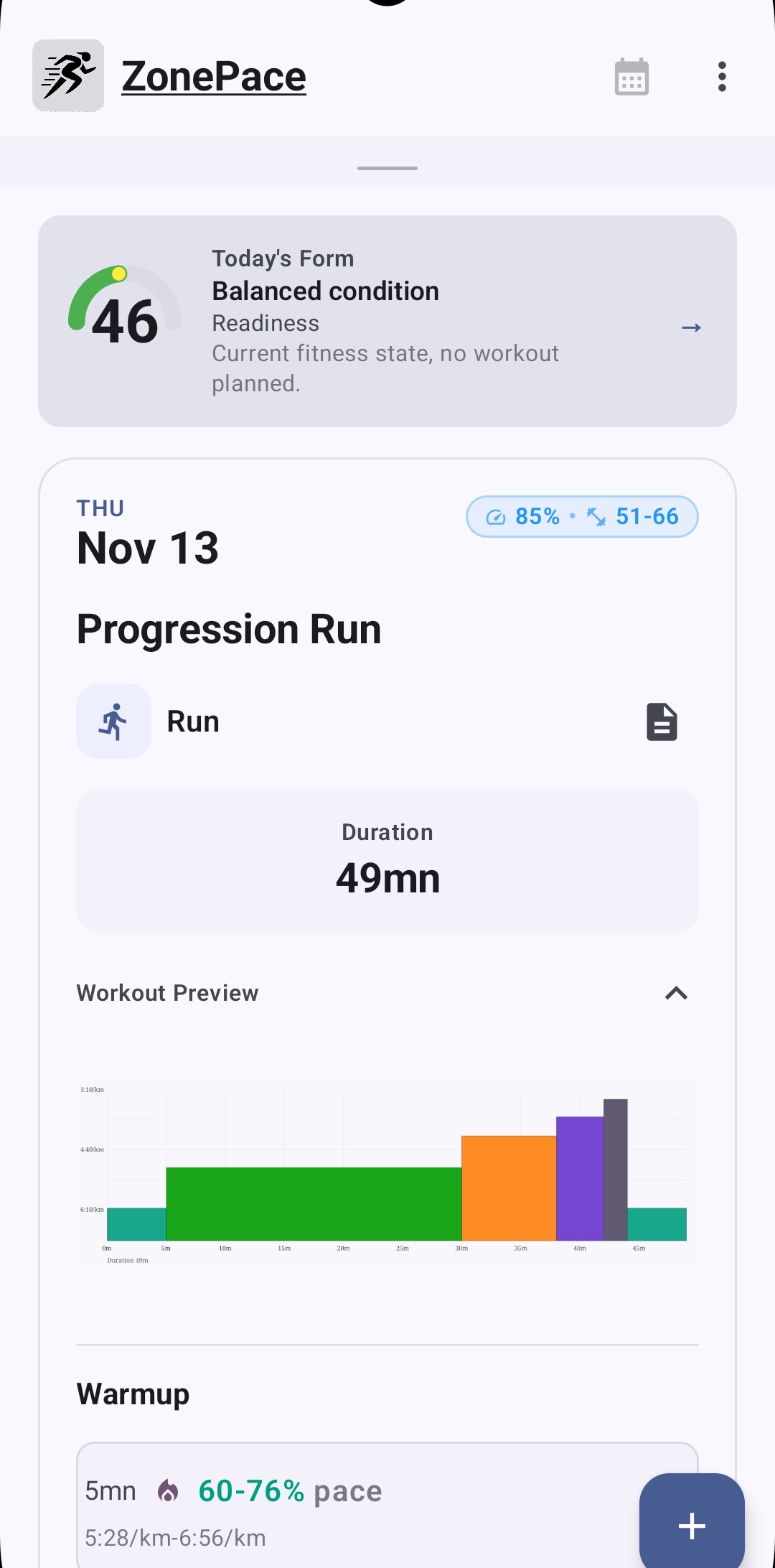
Short demo of onboarding, a workout, and weekly planning.
Browse pre-built workouts and learn how to create your own using the Intervals.icu format
Browse our collection of pre-built cycling and running workouts. From sweet spot intervals to VO2 max sessions, find structured workouts ready to add to your training plan.
View Workouts →Learn the Intervals.icu workout format syntax. Understand how to write structured workouts with time, distance, intensity, ramps, and repeats.
Read Documentation →Mobile browsers are great, but they aren't apps. ZonePace is built for your thumb, not a mouse.
Instant page loads, fluid animations, and zero lag.
Your plan is always with you, even in airplane mode.
Buttons you can actually tap, and swipes that actually work.
No credit card required
All features included
May add paid features later. Current features stay free.
ZonePace is a native Android app that connects to your Intervals.icu account, allowing you to view, edit, and manage your structured training workouts on your mobile device.
Yes, ZonePace requires an active Intervals.icu account. The app syncs with your Intervals.icu data to display your workouts and training plan.
Currently available: Android devices running Android 7.0 (API level 24) or higher—covering 95%+ of active Android devices.
iOS support: Not currently planned. ZonePace is a solo developer project focused on delivering the best Android experience first. Building and maintaining an iOS version requires significant additional resources (separate codebase, Apple Developer fees, App Store review process, ongoing maintenance).
Future roadmap: If there's significant user demand and the project grows, iOS may be considered. For now, iOS users can continue using the Intervals.icu web interface, which works well on mobile Safari.
Free. No credit card required.
May add paid features later, but current features stay free.
Yes. ZonePace stores your authentication tokens encrypted on your device using SafeBox. All communication with Intervals.icu uses HTTPS. We don't collect analytics or share your data with third parties. See our privacy policy for details.
ZonePace requires an internet connection to sync with Intervals.icu. Offline editing is not currently supported, but may be added in future versions.
You can open issues on our GitHub repository or contact the maintainers directly through the project tracker.
No, ZonePace is currently a commercial software. This may change in the future.
Get the Android app on Google Play.